
Published October 4, 2026
MagicSchool AI Tools for Lesson Planning
Lesson planning is the job teachers mention most when they talk about MagicSchool AI. A handful of its 80+ tools cover nearly the whole planning workflow — here are the ones worth knowing, and how they fit together.
The core planning set
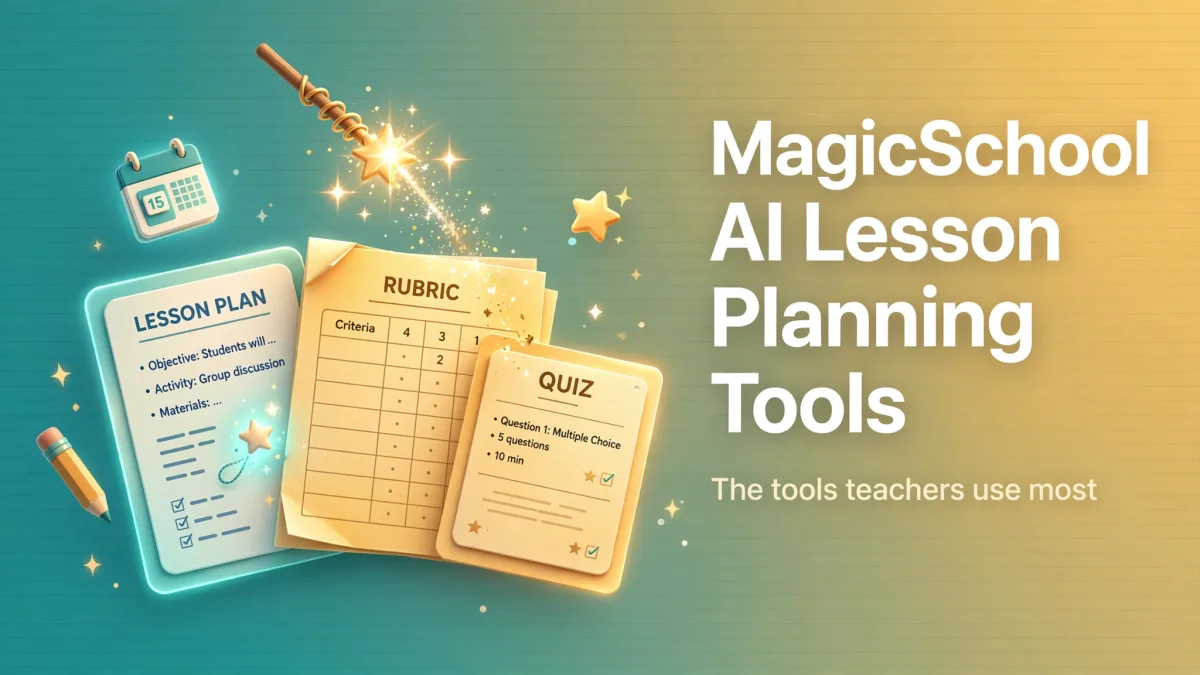
Lesson Plan Generator is the starting point. Give it your topic, grade, and objectives and it drafts a full lesson: hook, direct instruction, guided practice, independent work, and assessment. The drafts follow standard lesson structure, so they drop into your existing format easily.
Unit Plan Generator zooms out — it maps a multi-day or multi-week sequence around a topic, so individual lessons connect instead of floating alone.
Assessments and rubrics
Quiz Generator builds multiple-choice and formative checks from any content, including the increasingly popular exit ticket format. Rubric Generator turns your criteria into a clean scoring rubric in seconds — the kind of task that used to eat a Sunday evening.
Reaching every learner
Text Leveler rewrites a passage up or down in reading difficulty without losing the meaning, and the differentiation tools spin one assignment into tiered versions for different ability levels. For IEP paperwork specifically, the IEP Generator drafts the document from your inputs — you refine, it does the first pass.
Making it yours
The pattern experienced users settle into: generate the draft, then spend your saved time on the parts only you can do — the example your class will remember, the tweak for that one struggling student, the activity that fits your teaching style. The AI handles structure and volume; you handle judgment.
If you have not signed up yet, our getting-started guide covers the first 15 minutes. And since the free plan includes all of these tools, there is no cost to trying the full set — the main guide has the complete picture of the platform.